Trailing-edge dimming
For compatible dimmable LEDs and resistive lamps.
L7 · TOUCH DIMMER
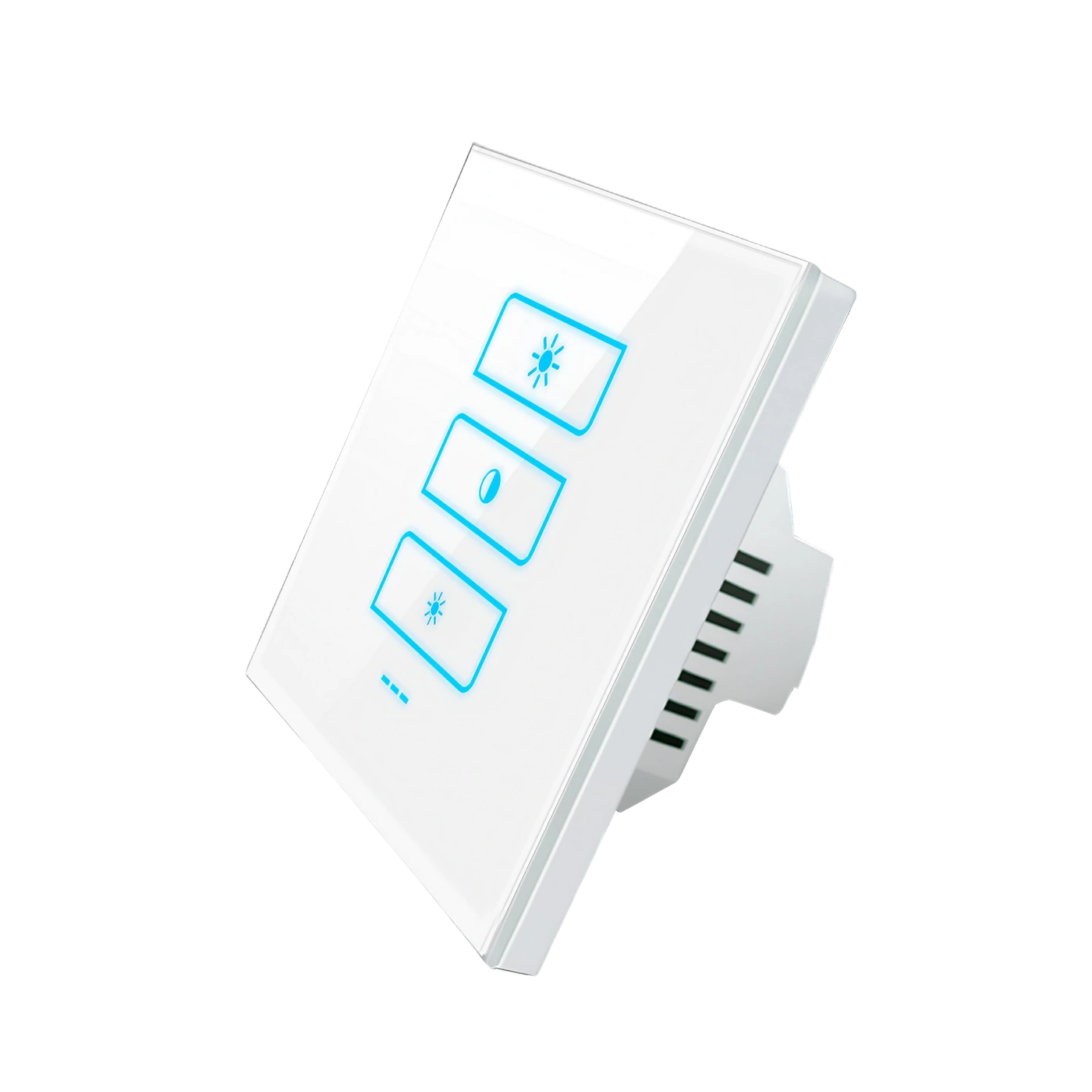
LANBON versionA glass touch dimmer for one compatible lighting circuit, up to 100 W. Adjust the light from the panel or app.
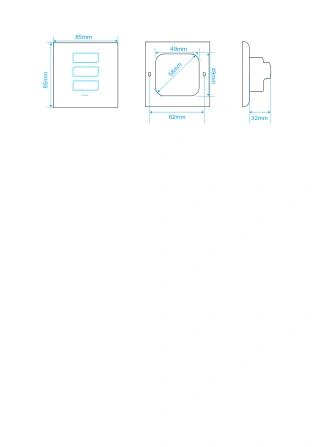
L7-HD-W · 85 × 85 mm · White
For compatible dimmable LEDs and resistive lamps.
Total load on one lighting circuit.
Adjust brightness on the panel or in the app.
LANBON app · Zigbee network · Compatible host switch required; not Wi-Fi Mesh
BEFORE INSTALLATION
Check that the LED lamp or driver is marked dimmable and supports trailing-edge control. Compatible resistive incandescent and mains-voltage halogen lamps are also supported.
AC 100–250V · 50/60Hz · Neutral required
Up to 100 W total. Avoid mixing lamp types or brands on the same circuit.
Non-dimmable lamps, CFLs, smart bulbs, leading-edge-only drivers and motors.
Minimum stable brightness depends on the lamp or driver.
INTERACTIVE DIMMING
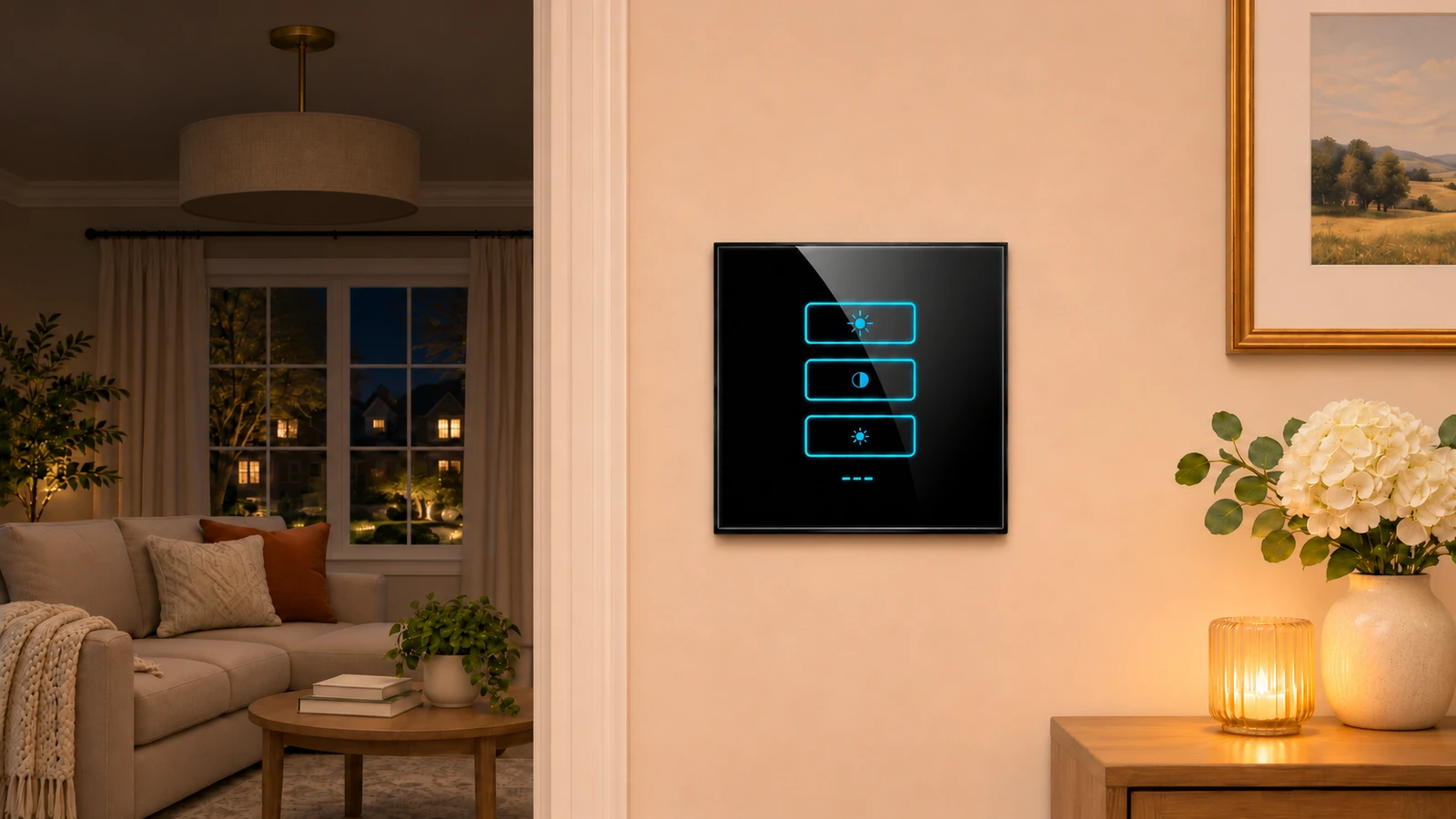
Tap the top key to brighten and the bottom key to dim. Tap the centre key to switch the pendant off or restore the last brightness.
LANBON APP
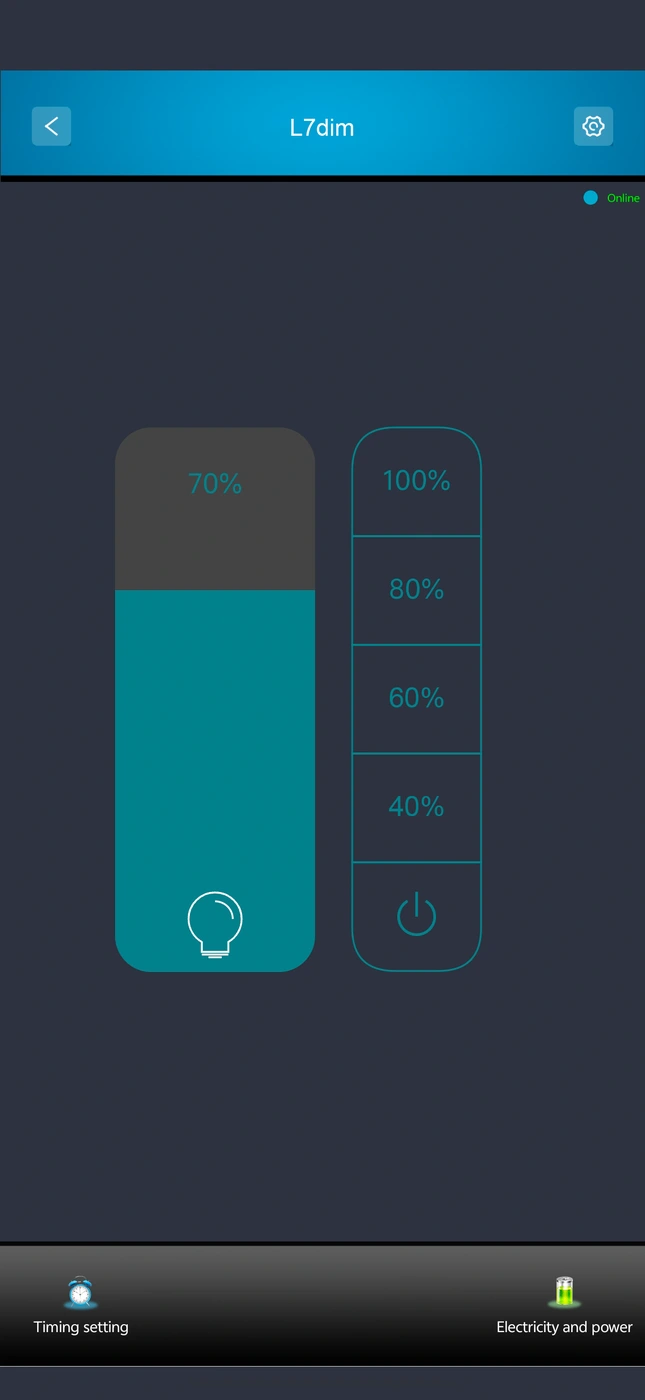
The L7dim screens show the brightness control and timer. Remote access requires the matching host switch and internet service.
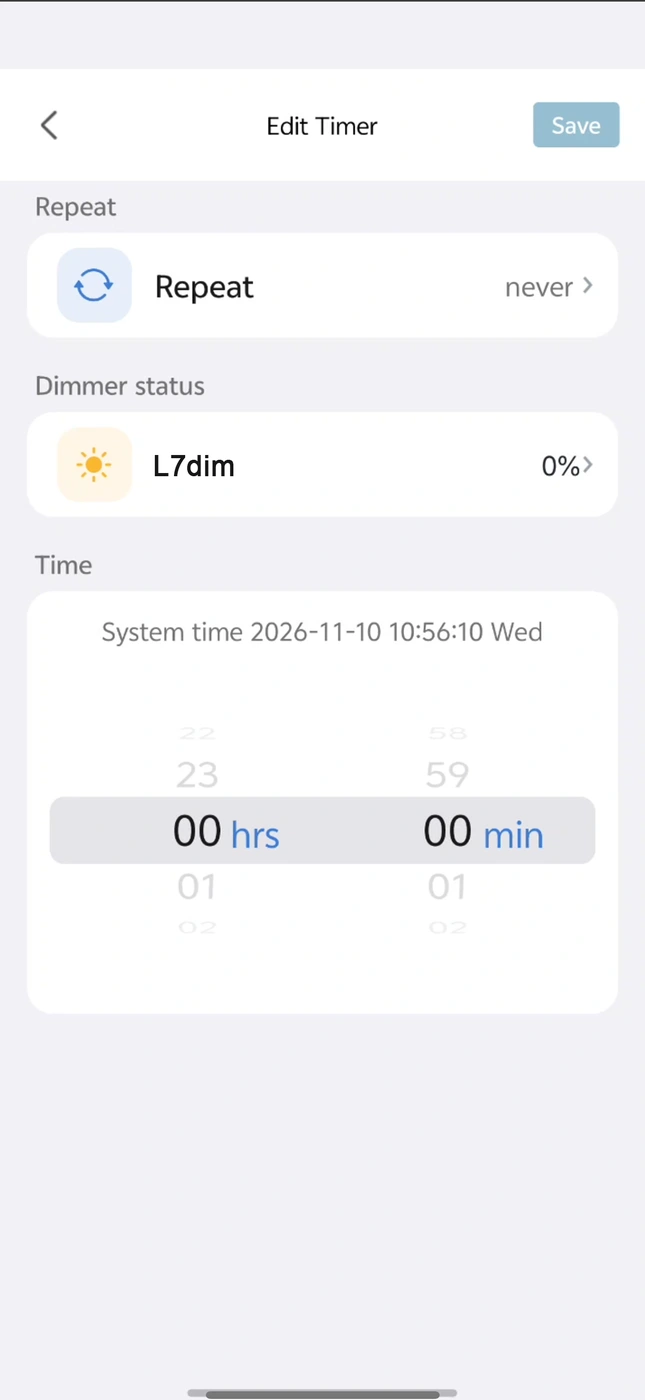
LANBON L7 · WI-FI + ZIGBEE
The LANBON version must be used with a LANBON L7 host switch. The host connects to your router through Wi-Fi; the other L7 switches connect to the host through Zigbee.
Your network connection
A switch itself · Wi-Fi to router
The dimmer connects to the host via Zigbee only.
Required: LANBON L7 host switchChoose the matching host model and project configuration before ordering. Ordinary L7 switches are not automatically host switches.
Network illustration, not electrical wiring. Host appearance is illustrative; use the actual supplied host model. Remote app access also requires internet and available services. Tuya Zigbee uses its compatible Tuya gateway instead.
PANEL GALLERY
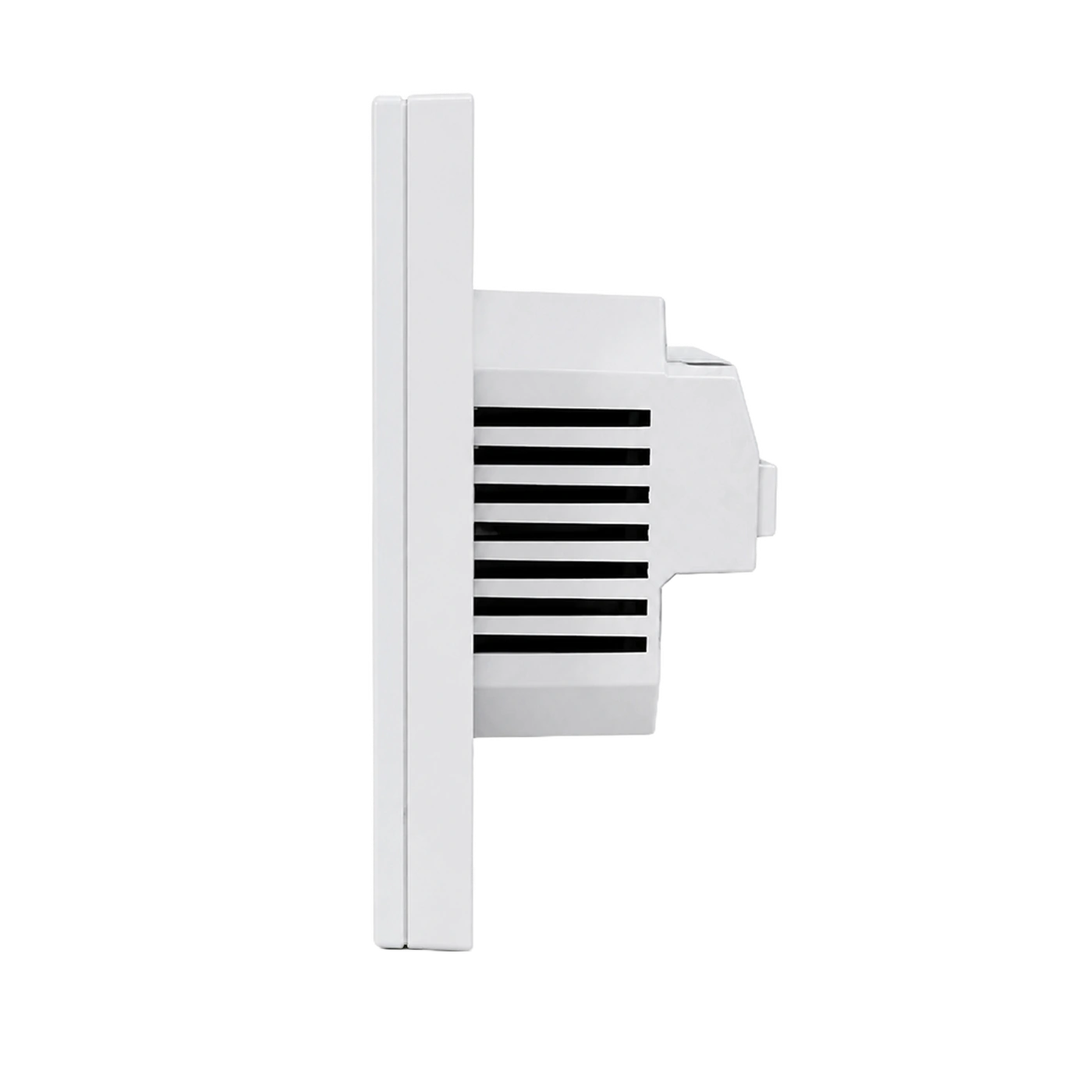
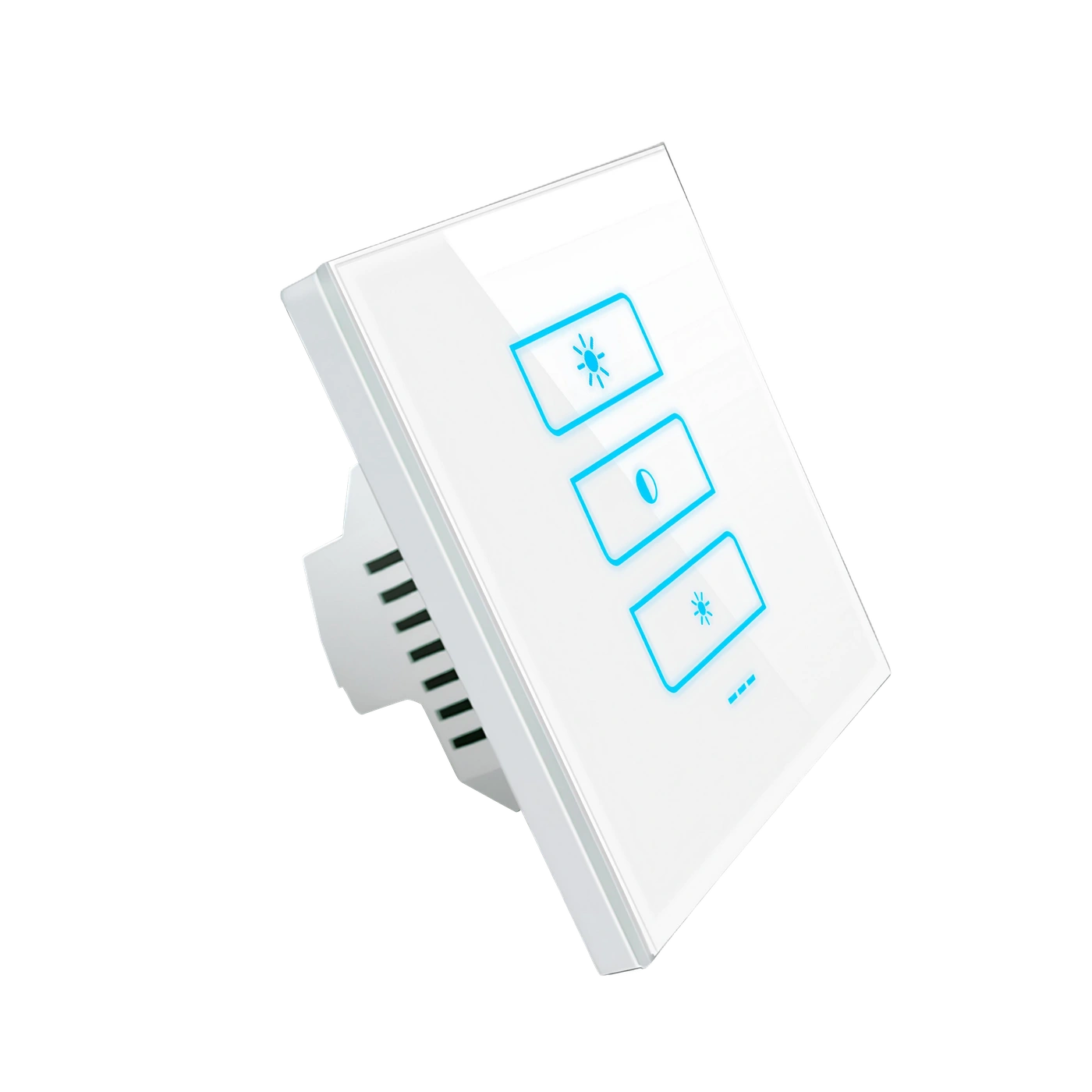
MODEL & INSTALLATION
Specifications for the selected model.
Allow additional space for wiring and terminals.
Ask support for the current installation instructions and confirm the lamp or driver before fitting the dimmer.
Ask about installation