AC 100–250V · 50/60Hz
Live and neutral are required.

L8-HS4 / L8-HS4U · 4-IN-1 SMART SWITCH
LANBON versionFour lighting circuits, two curtains, or a combination of both. Choose one of four configurations for your room, with LCD touch control and the app for your selected version.
EU / US · White / Black · Neutral requiredFOUR CONFIGURATIONS
Four independently switched lighting circuits. Each circuit ≤200 W; total ≤800 W. On/off control, not dimming.
Two compatible AC curtain motors, each ≤200 W; total ≤400 W. Each curtain uses an interlocked pair of outputs.
One lighting circuit and one compatible AC curtain motor, each ≤200 W; total ≤400 W. Never mix the lighting and motor terminals.
Two lighting circuits and one compatible AC curtain motor, each ≤200 W; total ≤600 W. Curtain outputs remain interlocked.
One operating mode at a time. Changing the on-screen mode does not rewire the circuit; have an electrician check the wiring before changing the control configuration.
BEFORE INSTALLATION
Installation and servicing require a qualified electrician with power isolated.
Live and neutral are required.
On/off only, ≤200 W per circuit; four-light mode ≤800 W total. No dimming.
Compatible single-phase AC curtain / tubular motors ≤200 W per group. No DC or dry-contact motors; never parallel outputs.
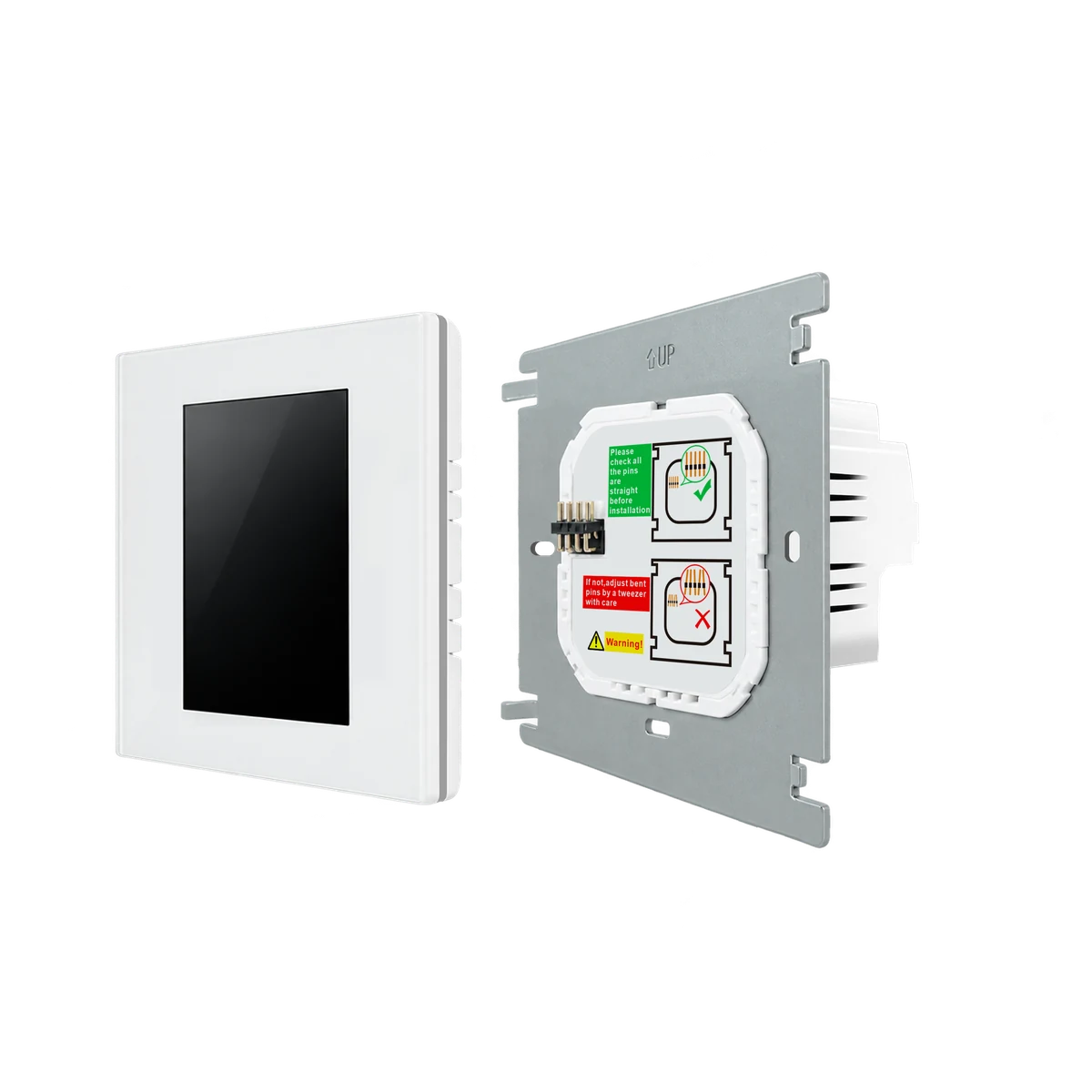
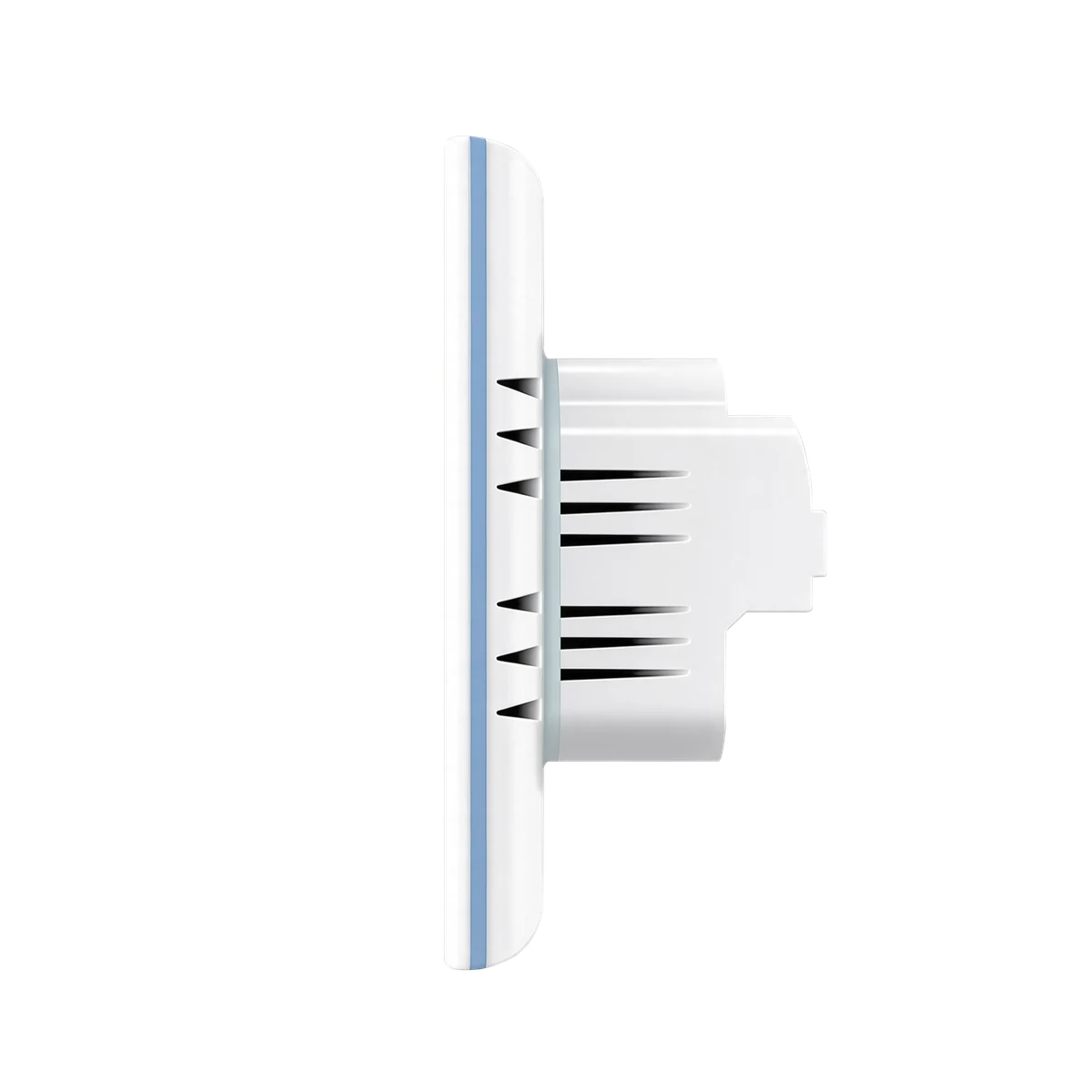
Box depth >38 mm plus wiring space; 24–12 AWG, terminal torque 0.5 N·m. Check the selected EU / US drawing.
LCD TOUCH CONTROL
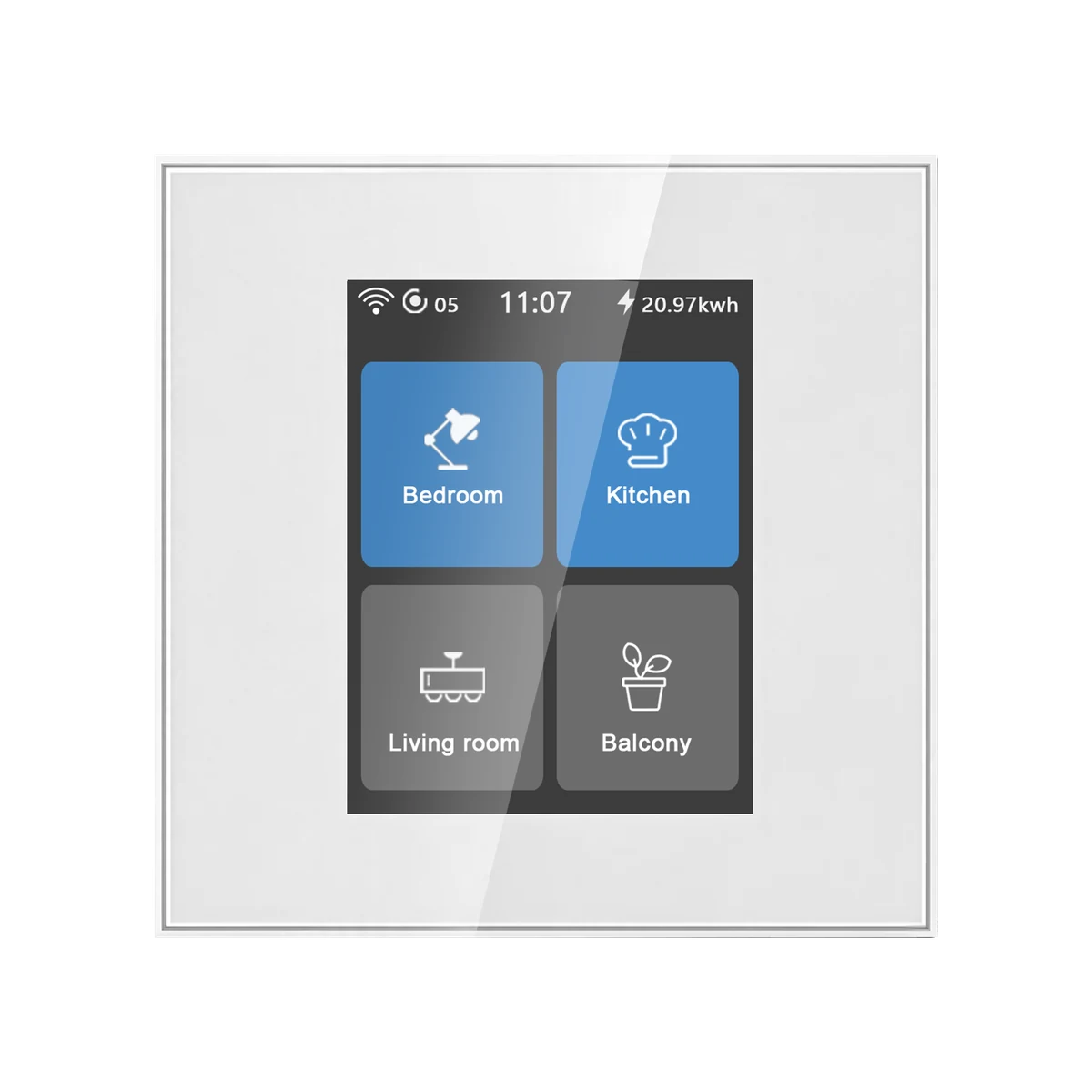
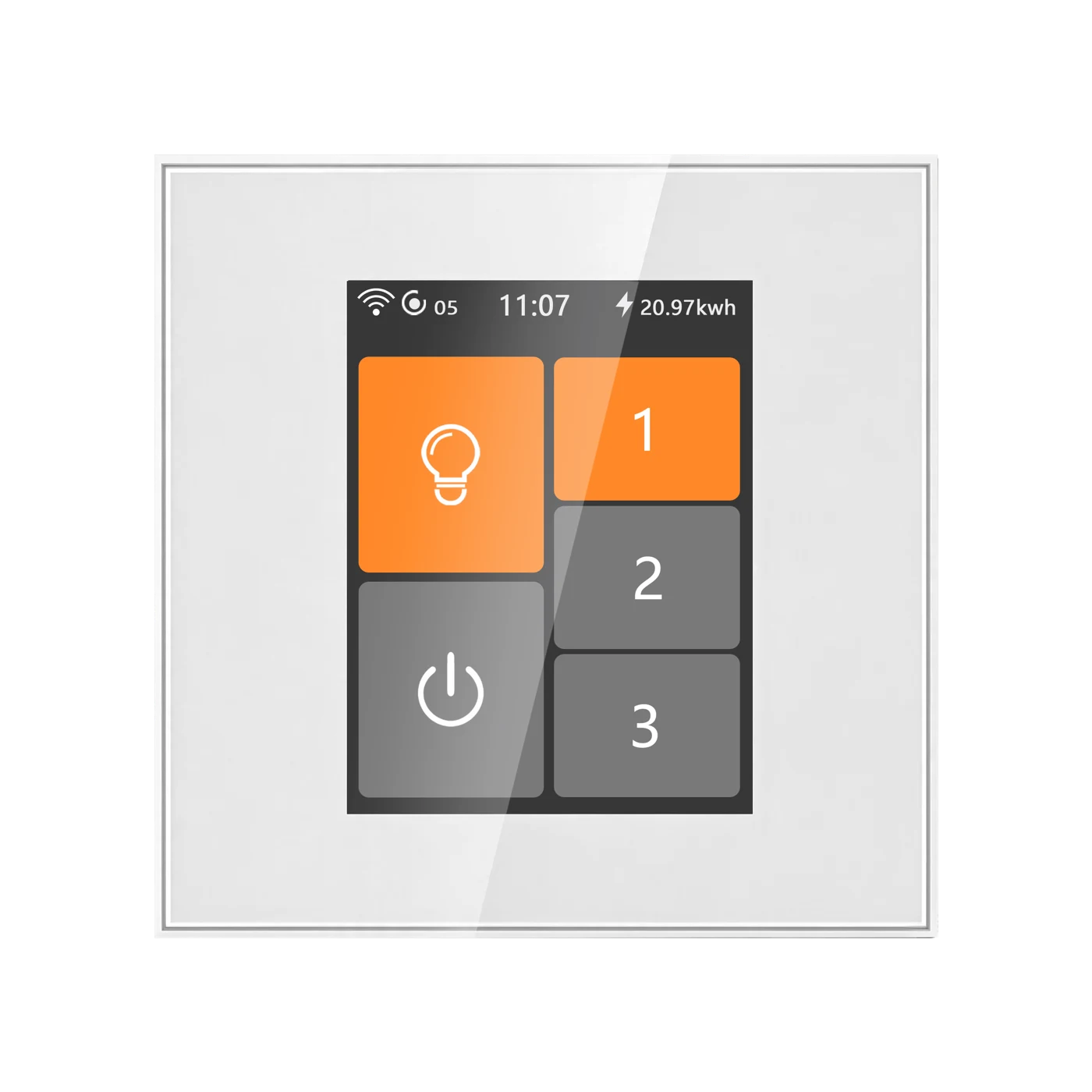
Choose four lighting circuits, two curtain groups, one light plus a curtain, or two lights plus a curtain. The four configurations remain available in all three networking versions.
Four independently switched lighting circuits. Each circuit ≤200 W; total ≤800 W. On/off control, not dimming. 4 × 200 W · ≤800 W
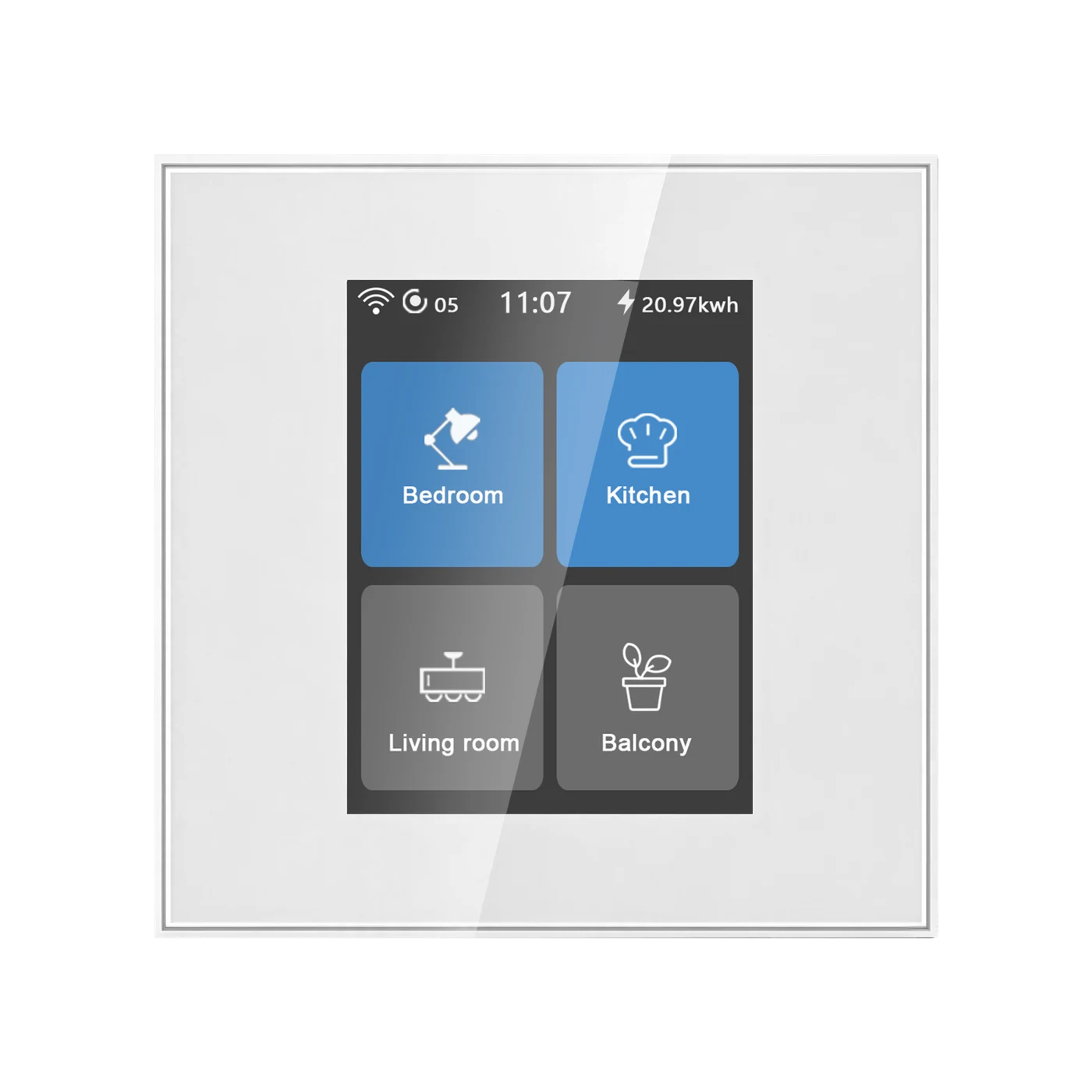
Device interface examples, not a change to your physical wiring. Display percentages illustrate the supplied curtain interface; verify motor travel settings for the installation.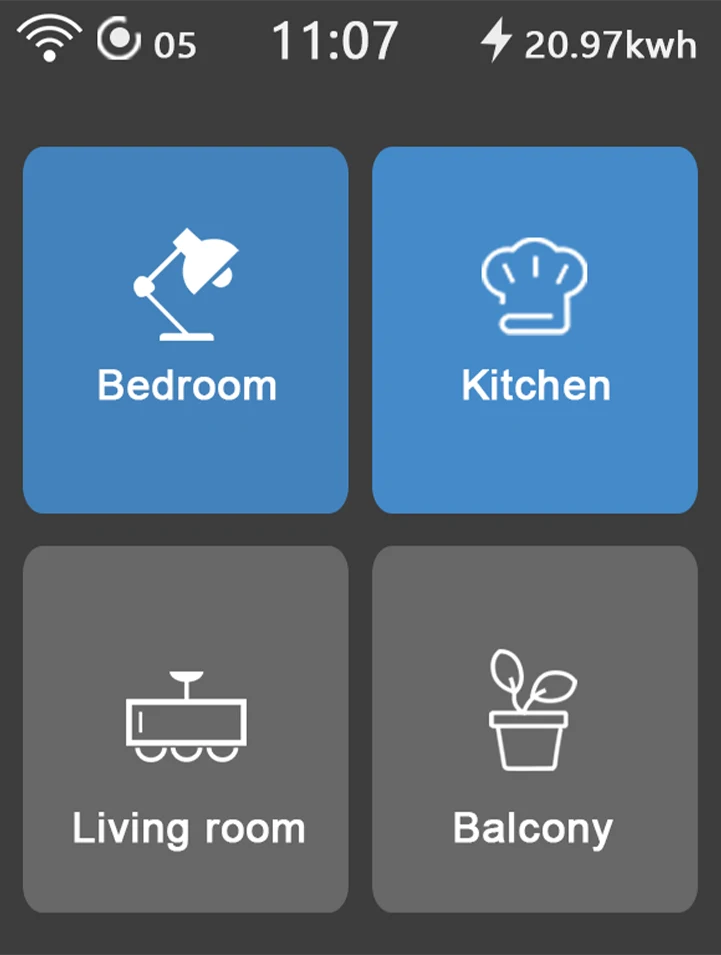
PERSONALISE
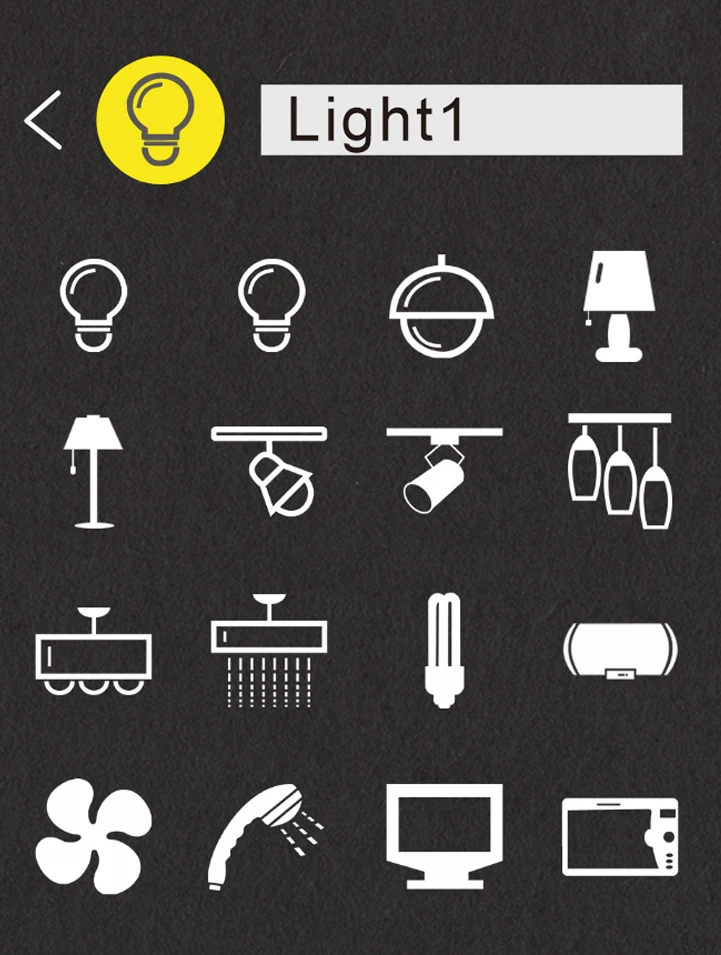
L8 · Icons
Choose recognisable lighting-button icons on the device. Match each symbol to the light it controls.
L8 · EDGE LIGHTING
Let the panel edge breathe and change colour while idle, or choose a colour of your own. The decorative edge light is separate from the controlled lights or appliance.
EXPLORE THE GLOW
Let the edge light fade gently in and out as its colour changes. Automatic mode takes care of the colours for you.
Set the edge light and its time settings on the device. These controls preview the effect on this page; they do not configure a switch.
THE DETAILS
LANBON SMART LIVING
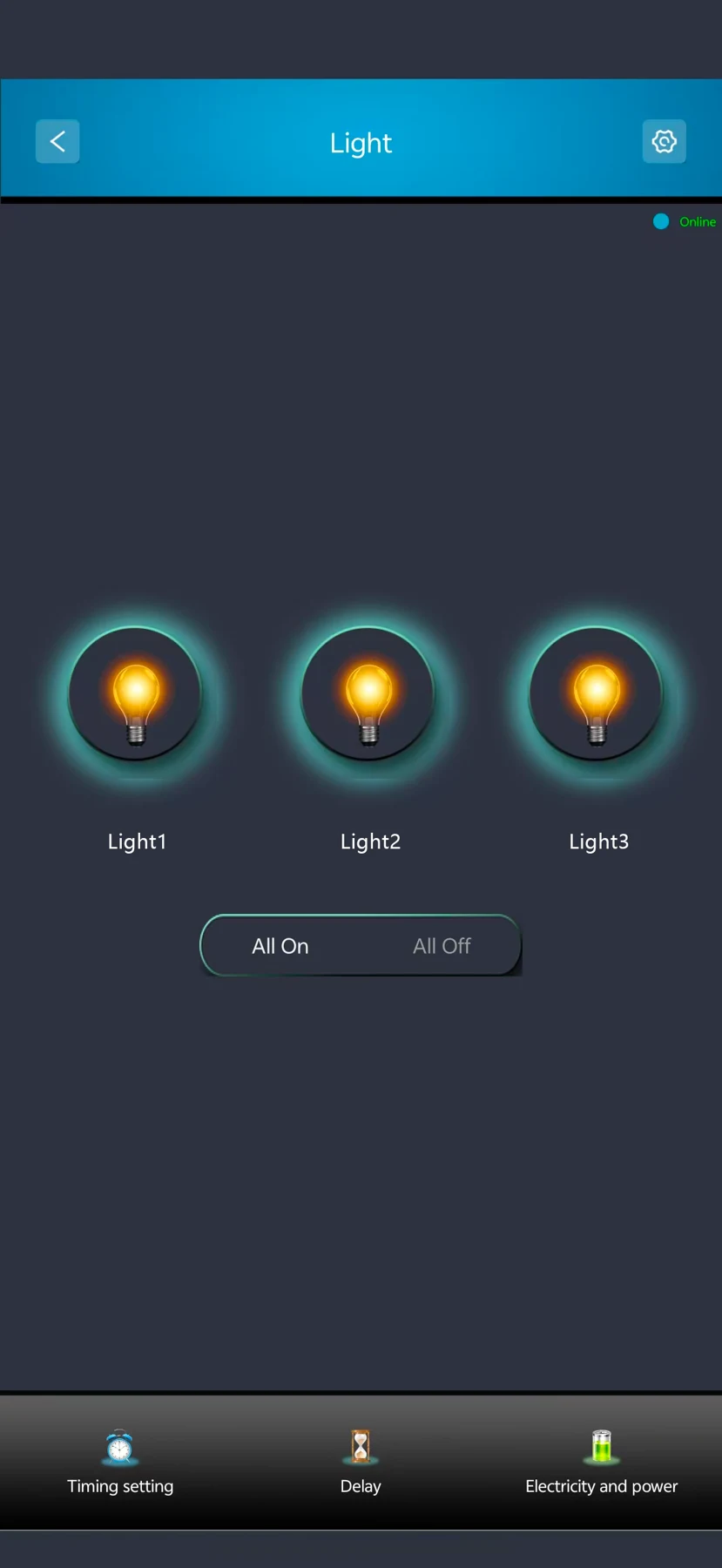
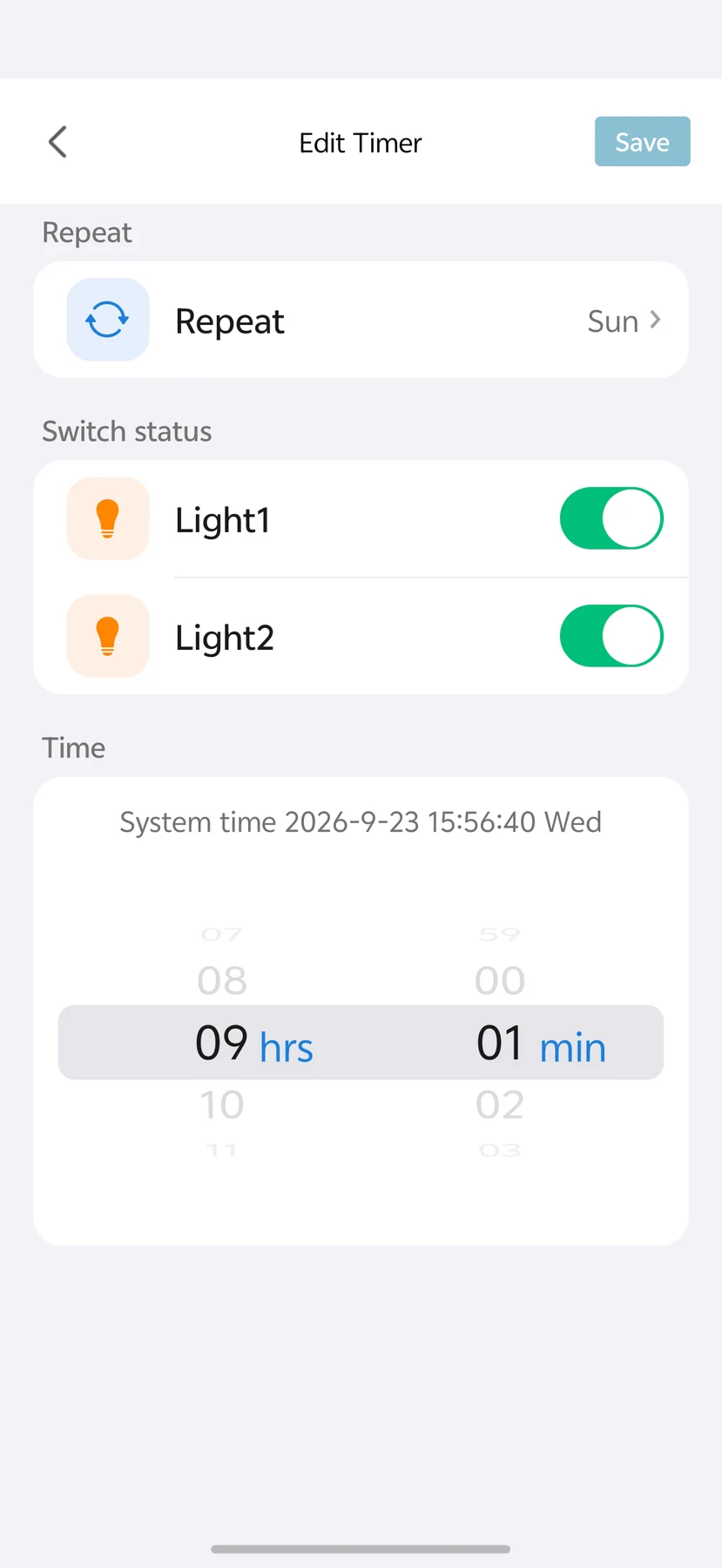
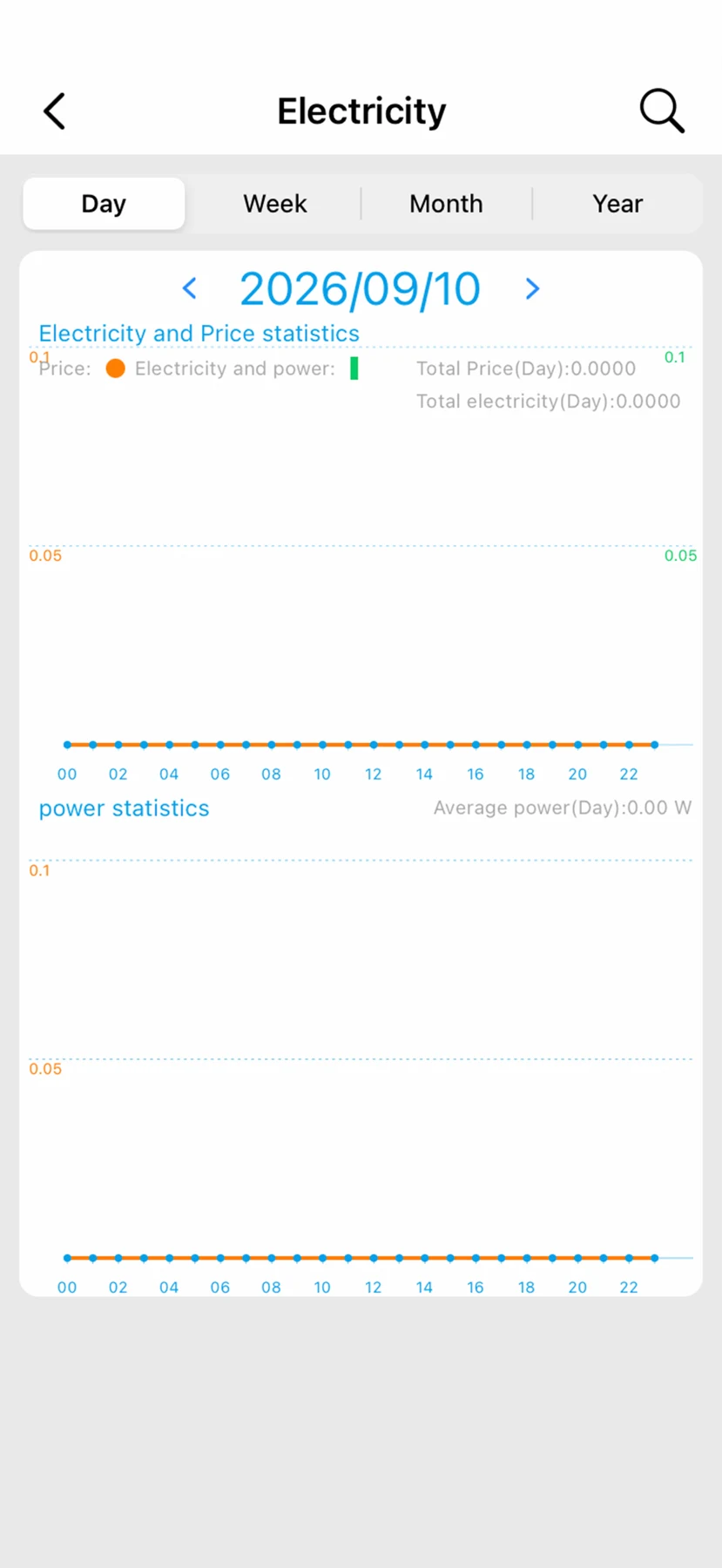
Use Smart Living for supported controls, timers and energy information. These are the supplied LANBON app interfaces; the displayed values and circuit layout are examples, not measurement-accuracy claims. Remote features require setup, internet access and available services.
WI-FI MESH
Mix compatible L8 switches in one network: 7-in-1, 4-in-1, dimmer, fan and water heater controls. Switches connect through neighbouring nodes, so each switch does not need a direct Wi-Fi connection to the router.
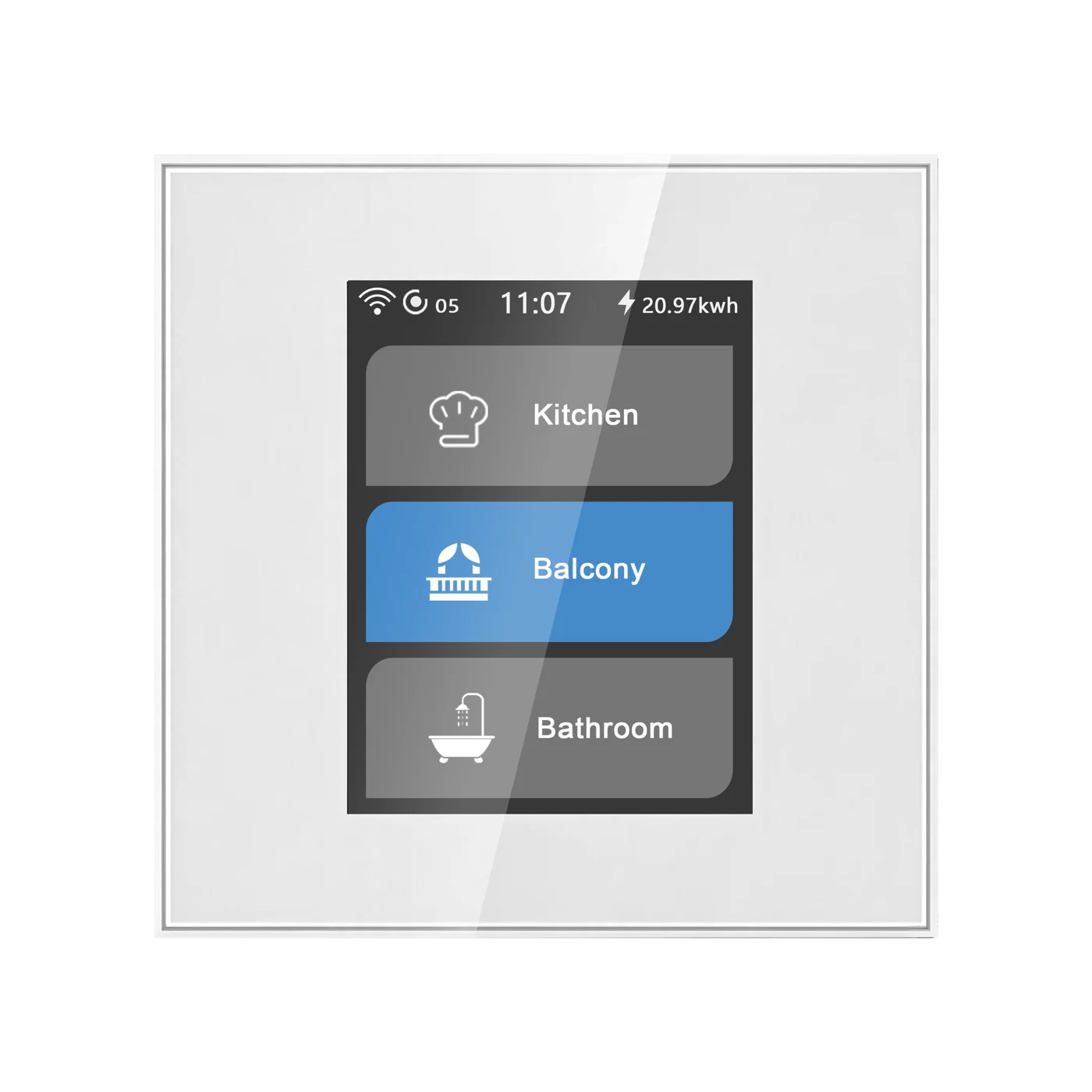 First configured switch7-in-1 switch · Master example
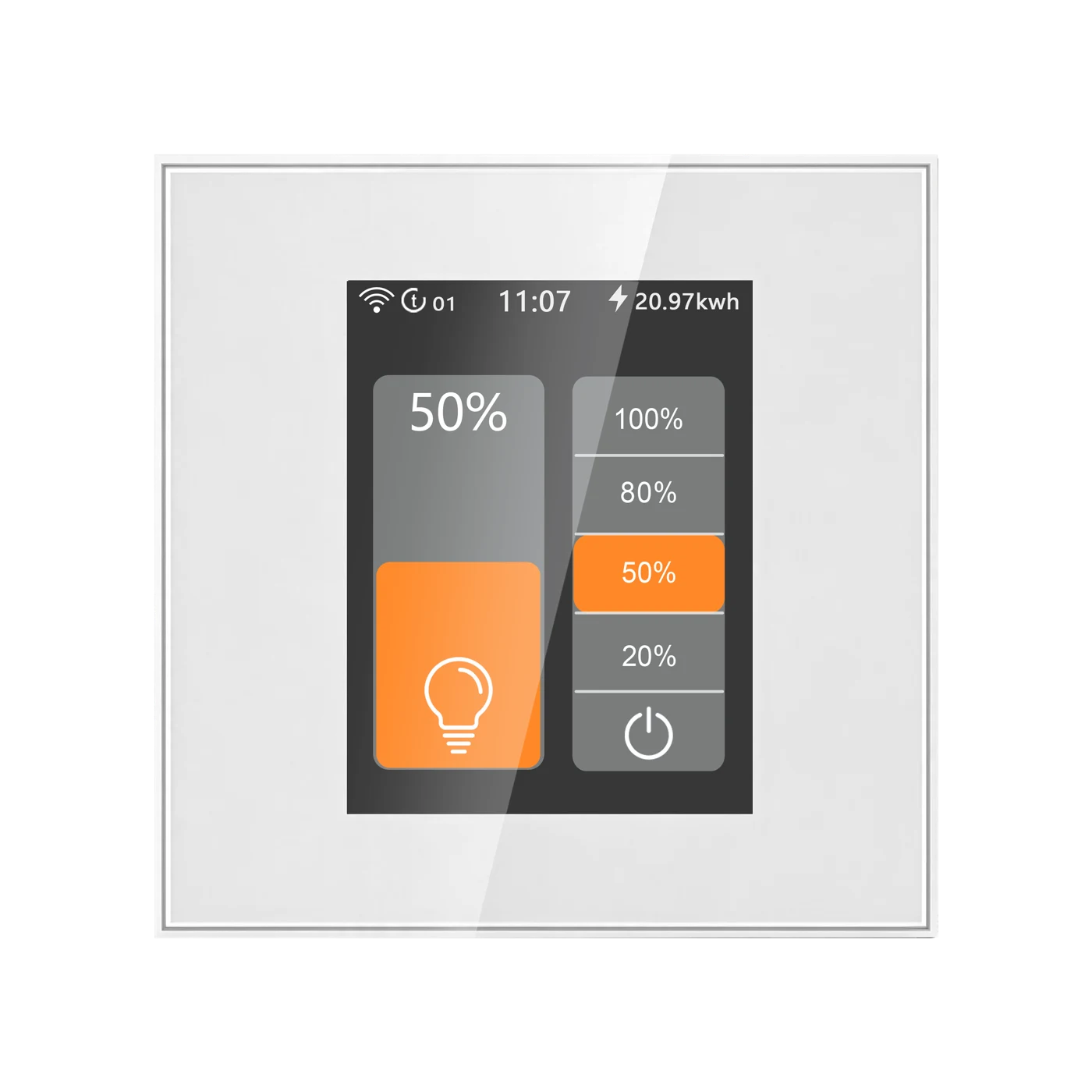 Dimmer switchConnects through Mesh
 Fan switchConnects through Mesh
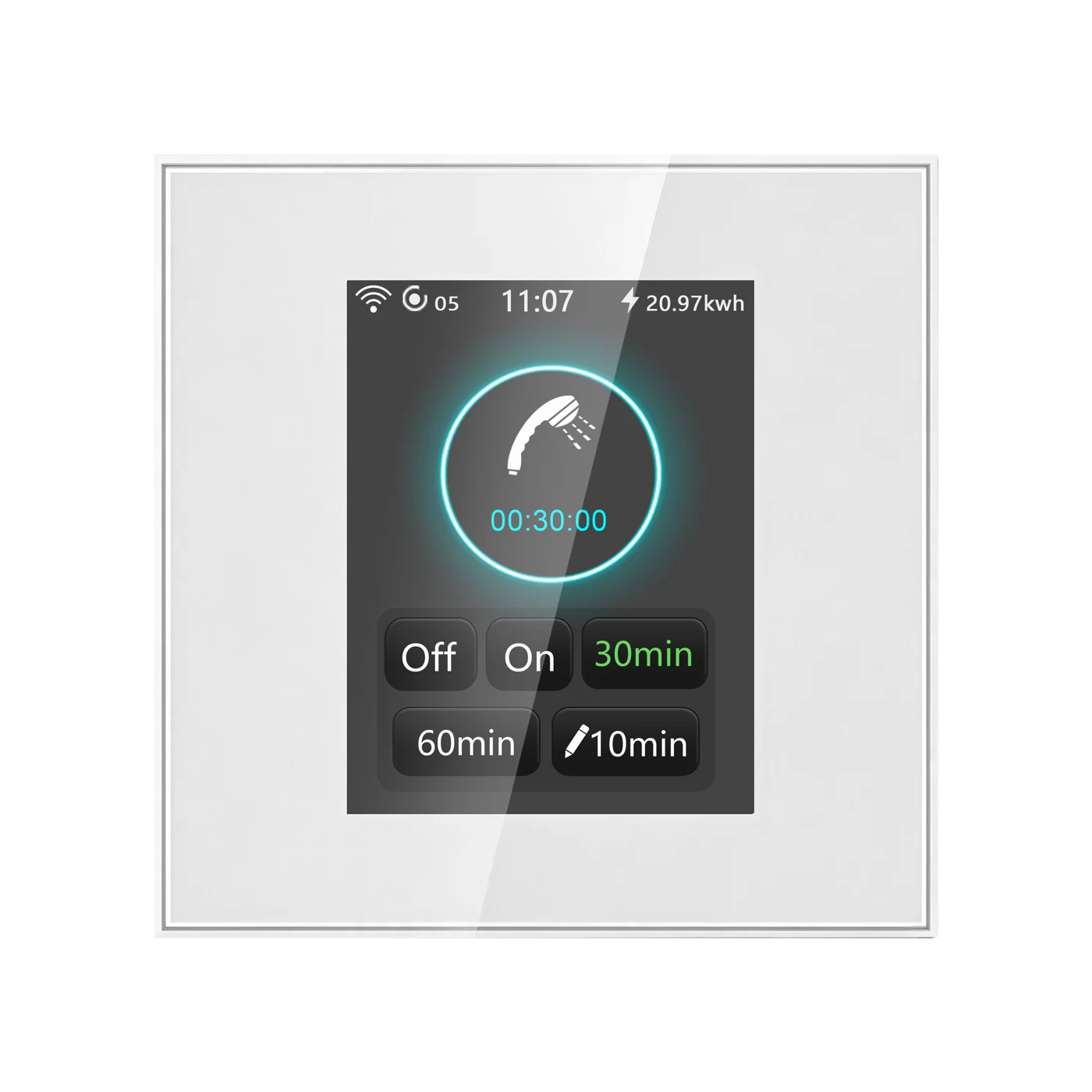 Water heater switchConnects through Mesh
Configure the first switch where the router signal is good. The system automatically sets this first configured switch as the master.
Complete setup for the other compatible switches. Keep adjacent Mesh switch nodes no more than 8 metres apart.
The switches automatically form their Mesh network. Any compatible switch can serve as the master when configured first; a separate gateway or host is not required.
L8 switches form a network within the L8 series; it does not extend household Wi-Fi for phones or computers. Remote app and cloud features still require the router, internet access and available services.
L8-HS4 · LANBON edition
Add compatible switch entities to Home Assistant using MQTT Discovery.
Connect Home Assistant →Send commands and receive device state through your own MQTT broker.
MQTT developer guide →Read device capabilities, send commands and retrieve state through the LANBON local API.
Use the local API →PRODUCT VIEWS
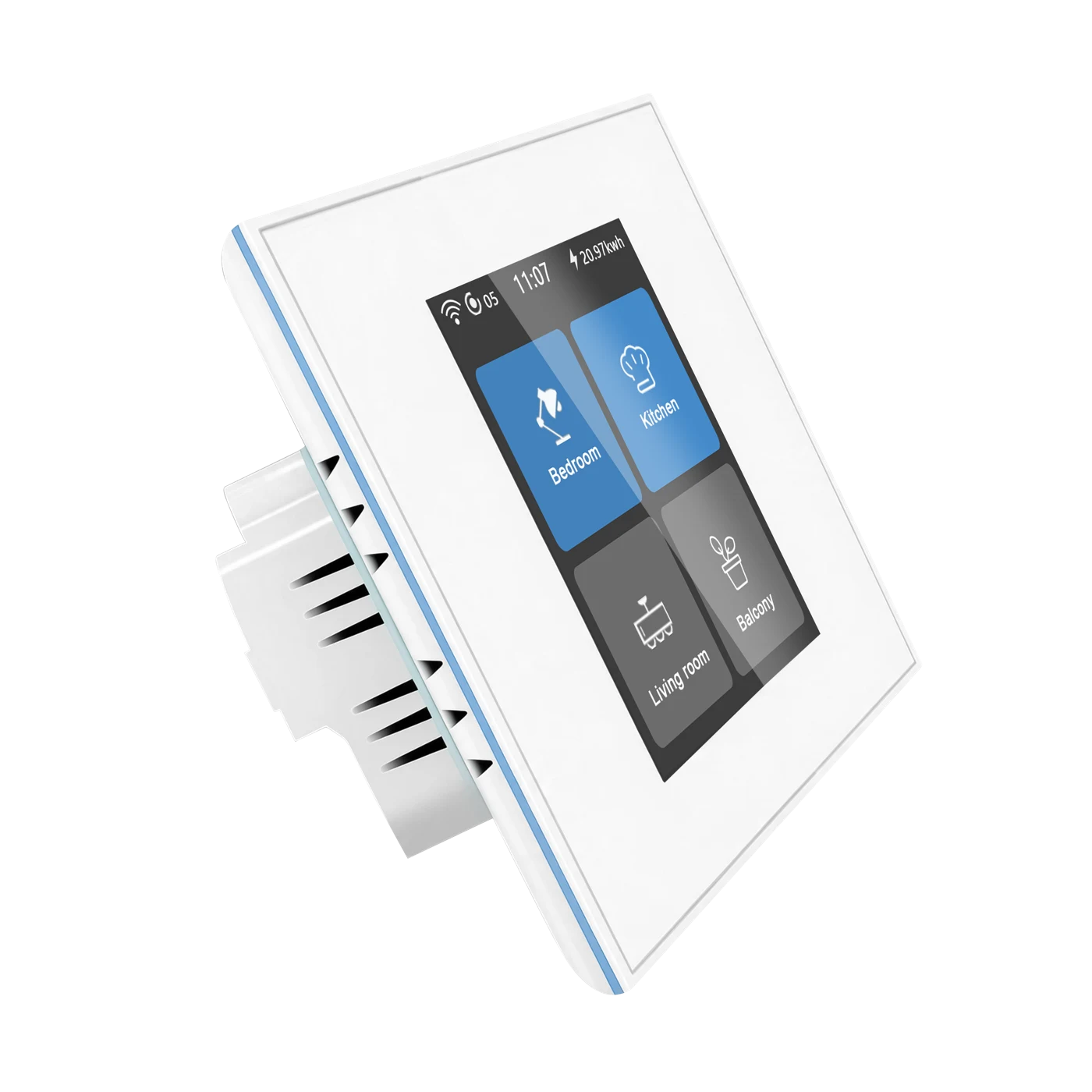
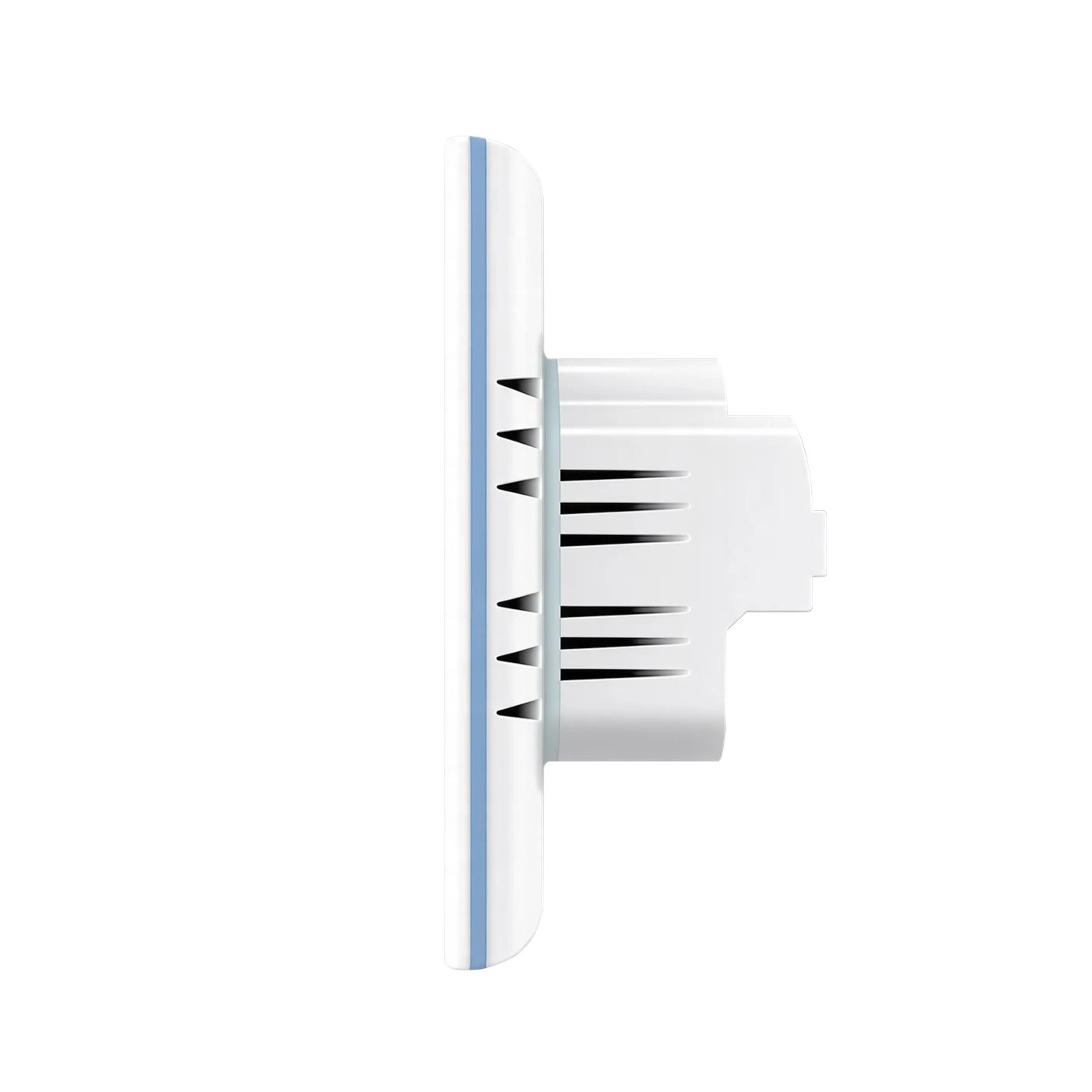
MODEL & INSTALLATION
The facts for your selected panel.
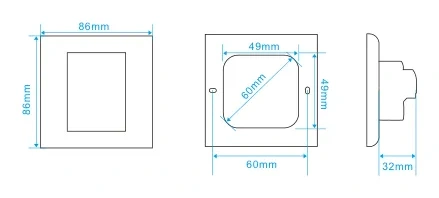
EU: 86 × 86 mm square or ≥60 mm round box; fixing centres 60 mm.
LOAD COMPATIBILITY
LED, CFL, incandescent and fluorescent lighting, with compatible mains or conventional constant-current / constant-voltage LED drivers. No minimum load specified. On/off only.
Single-phase AC curtain or tubular motors with mains direction-control wires. Verify motor travel and interlocked outputs; incorrect direction wiring can damage the motor.
DC or dry-contact curtain motors, loads needing dimming, or appliances exceeding the applicable circuit rating. Never short or parallel outputs, or mix lighting and motor terminals.
INSTALLATION
WATCH IT WORK
The supplied device-interface demonstration; not a Tuya connectivity test or electrical load test.
Actual supplied LANBON app recording; not a Smart Life interface.
DOCUMENTS & SUPPORT
Ask technical support for current operating instructions, the applicable certification scope and regional service terms.
Get product support